Separate what happened from how its time was recorded
Create a separate event row for each point on the route. Record the action, such as arrival or receipt of the cargo, and mark the timestamp as planned or actual. Where possible, keep a link to the document or message in which the timestamp appeared.
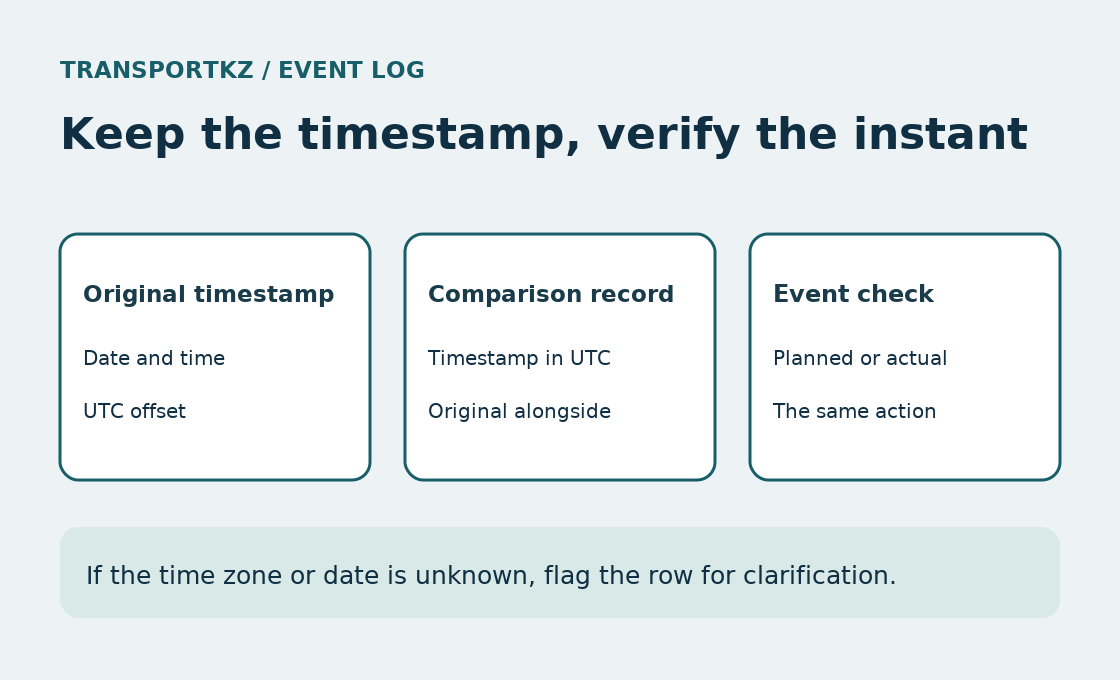
Keep the calendar date, hour and minute, and the explicit UTC offset in the original timestamp if the offset is known. The offset belongs to that timestamp. Store the full time zone name separately if the source provided it. The IETF specification treats the offset and the time zone as distinct pieces of information. A zone’s rules may give different offsets on different dates.
Keep the original alongside UTC
To sort the events, convert confirmed timestamps to UTC and keep the original text beside them. When an update arrives, retain both versions and record why the entry changed. This lets you see both the order of events and what the source reported.
If you receive only “in the morning” or a time without a date or time zone, mark it as unconfirmed. Ask for the date and either the UTC offset or the time zone name. Do not substitute the time zone of your phone or office.
Check the log before comparing times
First separate planned from actual timestamps. Then check that you are comparing the same event, for example actual receipt of the cargo rather than planned arrival. After that, compare the confirmed timestamps in UTC.
The fields to check in a row are the point on the route, the event, planned or actual status, the original date and time, confirmed offset, time zone if available, time in UTC and the source of the timestamp. If the date, time zone or type of event is uncertain, leave the row pending clarification before calculating the interval.
Compare confirmed instants in UTC. The original timestamp lets you check how they were derived, and the separate status shows which rows still need clarification.